
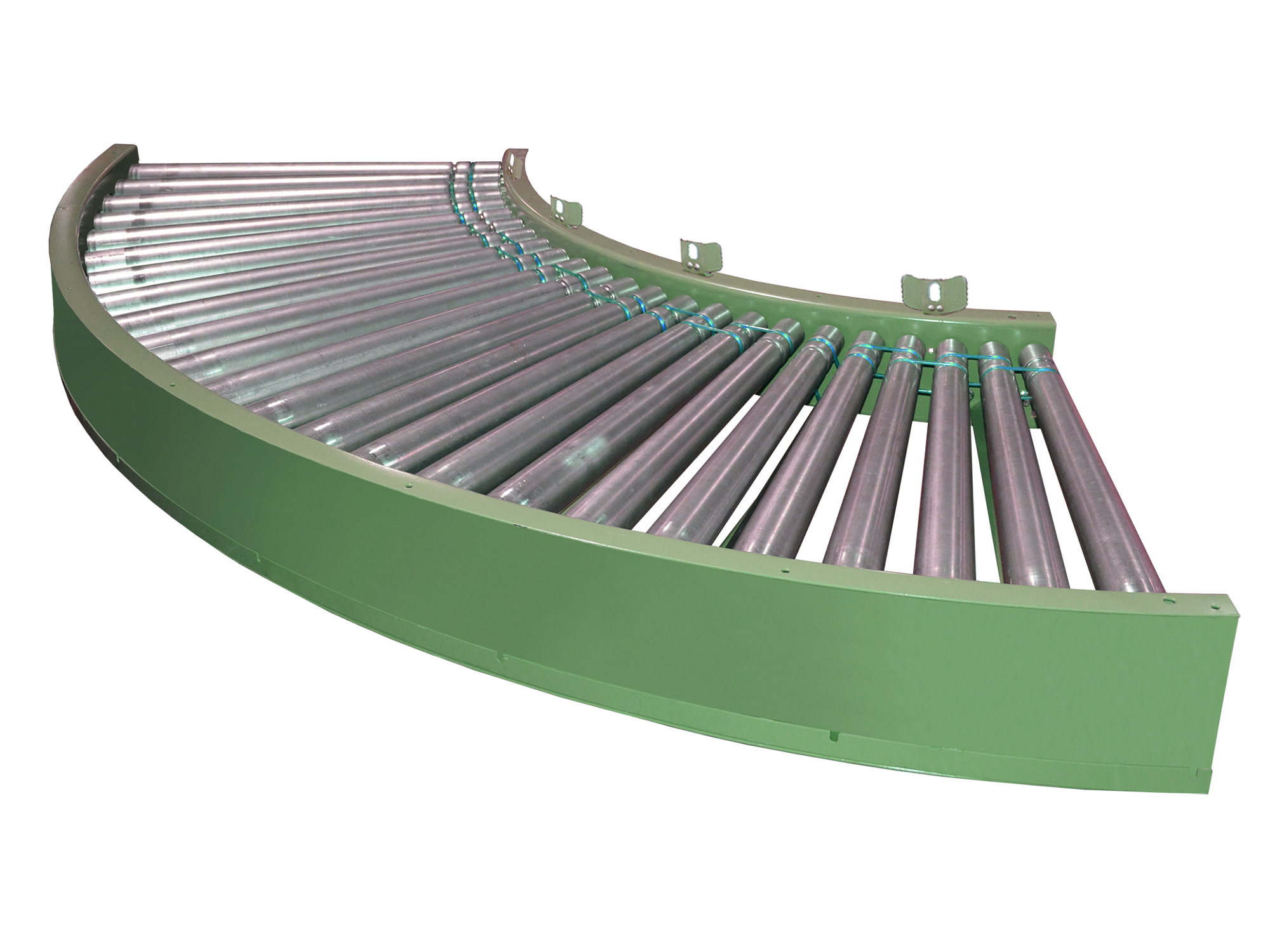
The 596PRAC extends the 596PRA’s zero pressure accumulation into curved layouts, using tapered rollers and motorized drive logic to maintain product movement through bends. It retains zone singulation operation with photoeye control, allowing products to queue in curved sections as needed without physical contact.
Rollers are positioned high in the 5-inch frame design, and precision bearings support consistent rotating motion. This model is useful in routing product around equipment or facility constraints while preserving accumulation control in an MDR conveyor system.
Applications
- Carton and tote conveying
- Accumulation and buffering between processes
- Sortation and routing operations
- Order fulfillment and distribution
- Packaging and labeling lines
Industries
- Distribution and warehousing
- E-commerce and fulfillment
- Manufacturing and assembly
- Packaging operations
- Logistics and material handling
SPECIFICATIONS
| BF | 15" | 19" | 21" | 25" | 27" | 33" | 39" |
| TREAD ROLLERS | 2-1/2 in. dia. to 1-11/16 in. dia. x 14 ga. steel tapered rollers, model 254T |
| DRIVE BELT | 3/16 in. dia. polyurethane belts, nominal 15 lbs per roller drive |
| CAPACITY | 15 lbs per roller or up to 70 lbs per zone |
| SPEED | 60 FPM constant |
| ROLLER CENTERS | 3 in. |
| BED / FRAME | Formed steel curve frame with tapered roller configuration |
| ACCUMULATION | Zone singulation operation, 24 in. zone length, photoeye actuated |
| MOTOR DRIVE | Driven by 24V DC Powered Roller |
| BEARINGS | Precision ABEC bearings |
| DC POWER SUPPLY | 24 volt fixed output required |
DETAILS
ACCESORIES / OPTIONS
Zone Lengths
Floor Supports
Ceiling Hangers
Speed
Motors
Defused Smart Zone®
WARRANTY
Electrical: 12 Months
Mechanical: 12 Months
SERVICES
Technical Support
Installation & Service
Preventative & Routine Maintenance
Application Support
Operator & Maintenance Training